
Best Practices

Recognising Scams
Phishing emails are designed to trick you into revealing sensitive information or downloading malicious software. Be cautious of unexpected emails, suspicious links, urgent requests, and unfamiliar attachments.
Always check the sender's email address carefully. If it looks unusual or doesn't match the organization it claims to be from, it could be a scam.
When in doubt, verify the sender before taking action.
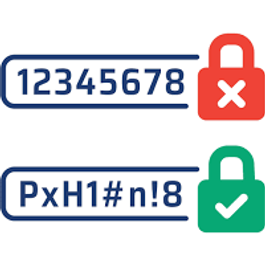

Enable Multi-Factor Authentication (MFA)
Multi-Factor Authentication (MFA) adds an extra layer of security to your accounts by requiring a second form of verification, such as a code from your phone or an authenticator app. Even if your password is stolen, MFA helps prevent unauthorized access to your personal and business data.

Keep Software Updated
Software updates do more than add new features—they often contain critical security fixes that protect your devices from cyber threats. Regularly updating your operating system, applications, and network equipment helps keep your information secure and your technology running smoothly. Enable automatic updates whenever possible to stay protected.